
2D area grid
Cover a survey area with parallel passes for mapping imagery.
Choose your drone, draw the area to cover, and review the flight route. When it looks right, export a DJI mission file (KMZ) for your controller.
Browser-based Terrain tools Route review

Loading…
Orbit is unavailable for this aircraft. Choose a consumer aircraft or switch to 2D or Corridor.
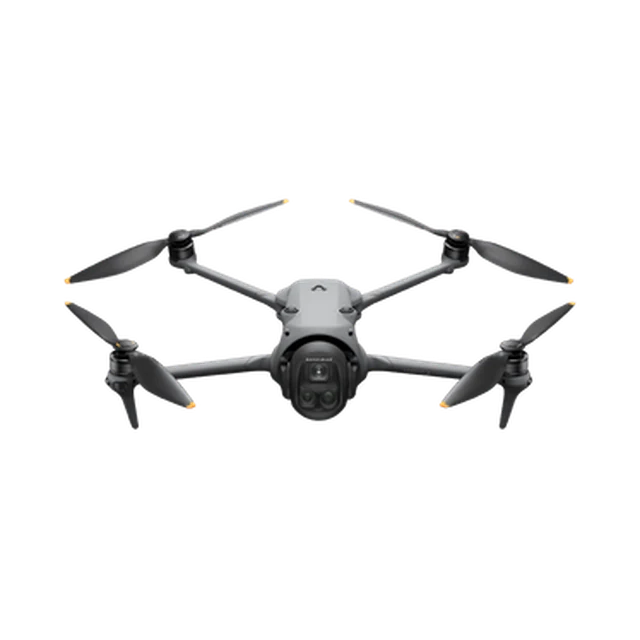 DJI Mavic 4 Pro
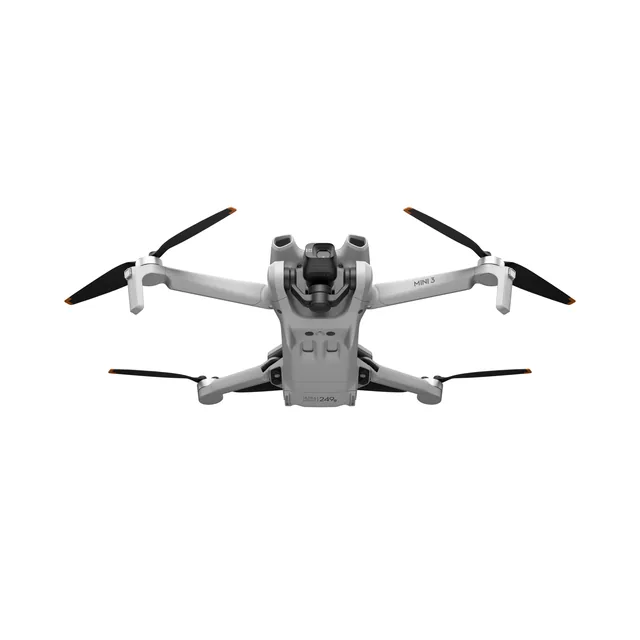 DJI Mini 3 Pro
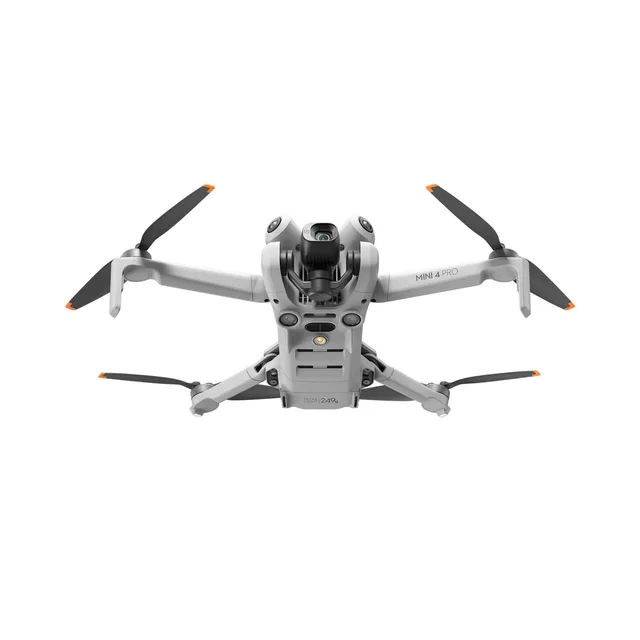 DJI Mini 4 Pro
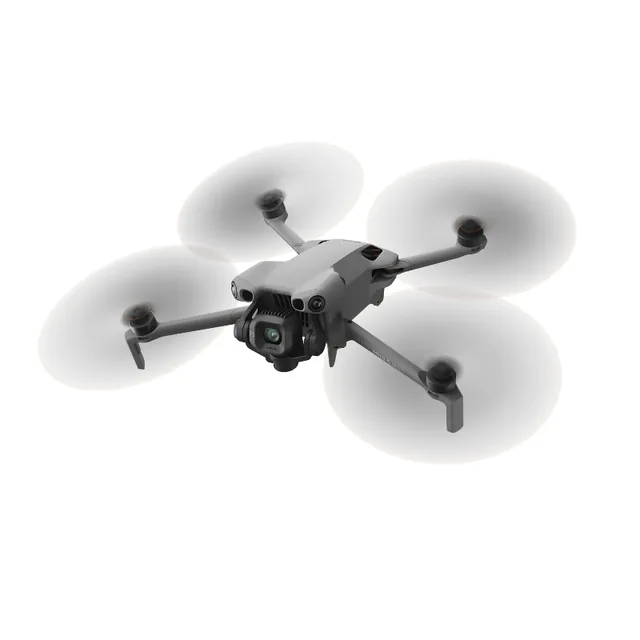 DJI Mini 5 Pro
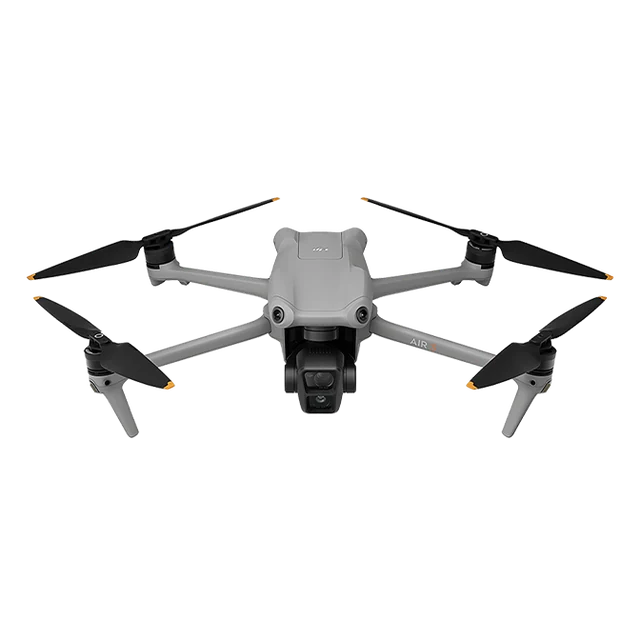 DJI Air 3
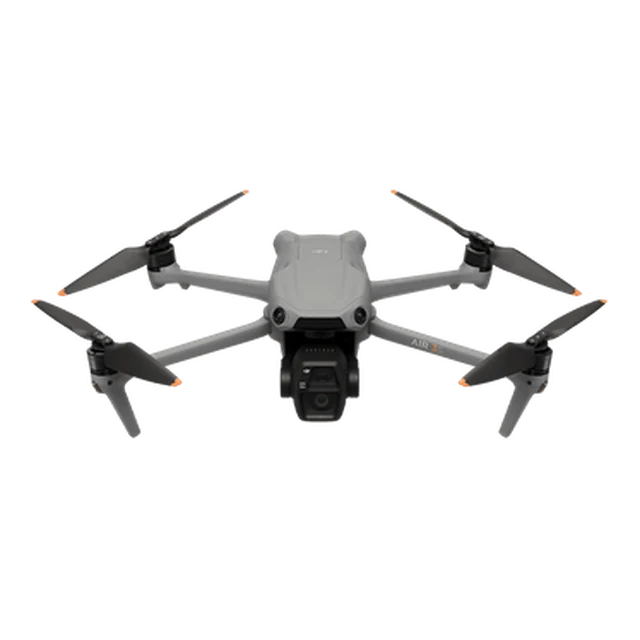 DJI Air 3S
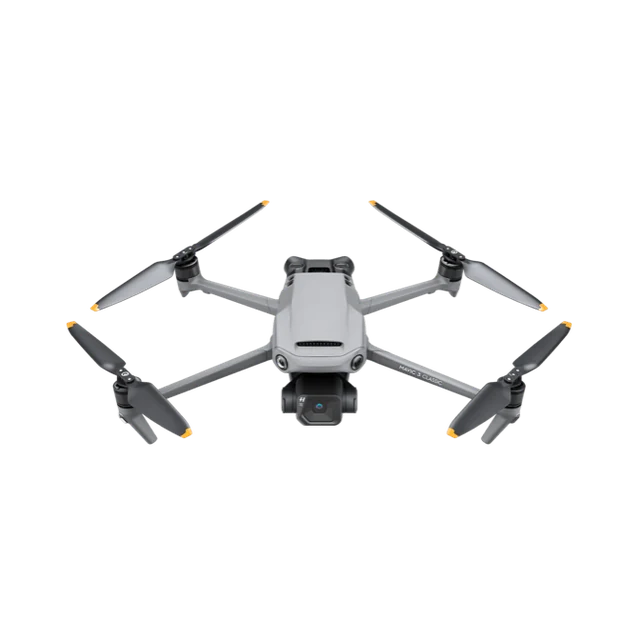 DJI Mavic 3 Classic
The Problem
A mapping camera is only one part of a survey. You also need a route and a compatible way to fly it.
Built-in grid, overlap, and terrain tools vary by aircraft and controller. FlyPath lets you plan the survey route in your browser.
Check that your aircraft, controller, DJI application, and firmware can load and fly the exported file.
Divide a large 2D survey into blocks or hexagons. Each part becomes its own mission, so you can adjust its area, settings, and route independently while reviewing the parts together.
Survey Patterns
Choose the route that fits your survey area and the imagery you need.
Cover a survey area with parallel passes for mapping imagery.

Add a perpendicular pass for stronger 3D reconstruction.

Follow a road, pipeline, or coastline with a narrow route.

Circle a subject to capture it from multiple angles.
Inside FlyPath
Draw survey areas, review routes, and keep your missions in one place.

Select your DJI drone, then draw the area to cover on the map or import it from KML.

Set the flight height, speed, and photo overlap. Check the route and any planning warnings before export.

See the mission areas in a Project together, with combined survey time, distance, and battery estimates. Project access is limited and planned for paid accounts.

Browse your missions and Projects, preview the selected item on the map, and open it to continue planning.
Terrain Aware
Use built-in elevation data to check clearance and plan waypoint heights.
Set a height-change tolerance to plan a steadier height above terrain.
Overlay contour lines at your chosen interval and colour, and show ground elevation beside each waypoint while you plan.
Draw a line across the site to see its elevation profile, with the line length and the ground height at both ends.
Flight Safety
FlyPath is a planning aid, not flight authorization or a substitute for pilot judgment.
Confirm the boundary, waypoints, altitude, speed, camera behavior, finish action, and controller-loss action.
Loading and flying the file still depends on the target aircraft, controller, DJI application, and firmware. Open every export in your intended workflow and verify its heights and actions before flight.
Check airspace, permissions, people, obstacles, weather, battery reserve, and current conditions before every flight.
Global Reach
FlyPath QGIS plugin downloads, tracked across the drone mapping community worldwide.
Source: QGIS Plugin Repository · 1810 tracked downloads (top 19 countries) · Updated
FAQ
Mission planning and standard KMZ export are free. Create a free account to save and export individual missions.
Projects have limited availability and are planned for paid accounts. They let you group related missions, view them together, and compare settings. Pricing and Project limits will be shown before you subscribe.
Divide a 2D survey into blocks or hexagons to create independently editable missions. Split a route into continuous flights to work within battery and waypoint limits; the survey area stays the same. Related missions can be grouped in an optional Project and exported together.
Yes. You can create a revocable, read-only review link for one mission or a Project. Review links show the plans but do not provide exported mission files.
No. FlyPath can show terrain and export planned heights, but it does not check airspace, weather, obstacles, or permissions. The pilot remains responsible for route review, compatibility, legal compliance, site conditions, and safe operation. Read the validation guide.
Team

Co-founder · CEO
Sets the survey maths behind overlap, terrain following, and capture quality.
LinkedIn
Founding Engineer
Builds the planner, the route engine, and the WPML export pipeline.
LinkedInFlyPath is made by Dronnix. Questions or feedback? Get in touch.
Start planning
Create a free account to save your survey plans and export mission files.
Create free account